25TH ANNUAL NORMATHON
Presented by CRESTCARS.COM
NORMATHON kicks off each year with an exciting raffle featuring new cars from the Crest Family of brands followed by the Twelve Days of NORMATHON, an auction offering wonderful items for bid each day of The Invasion. NORMATHON culminates with an all-day radio broadcast marathon featuring Norm and guests on Sportsradio 96.7 and 1310 The Ticket.
Car Raffle - SOLD OUT!
As of approximately 10:25AM on 12/22/2025, the car raffle tickets have SOLD OUT! Thank you to everyone for your participation.
Please tune into the broadcast on 96.7FM or 1310AM The Ticket on Friday, December 26th at approximately 6:15PM as Norm draws the winners live, on-air.
In partnership with the Crest Family of Dealerships, we are pleased to kick off our annual car raffle. Ticket sales begin on Monday, December 1st. Only 4,500 tickets will be sold. The drawing will be Friday, December 26th.
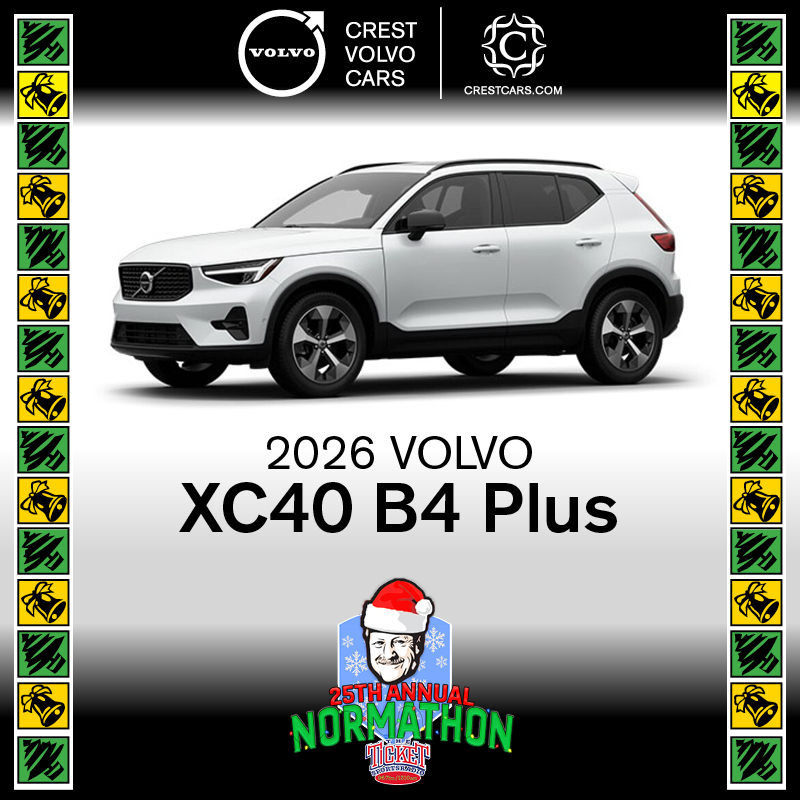
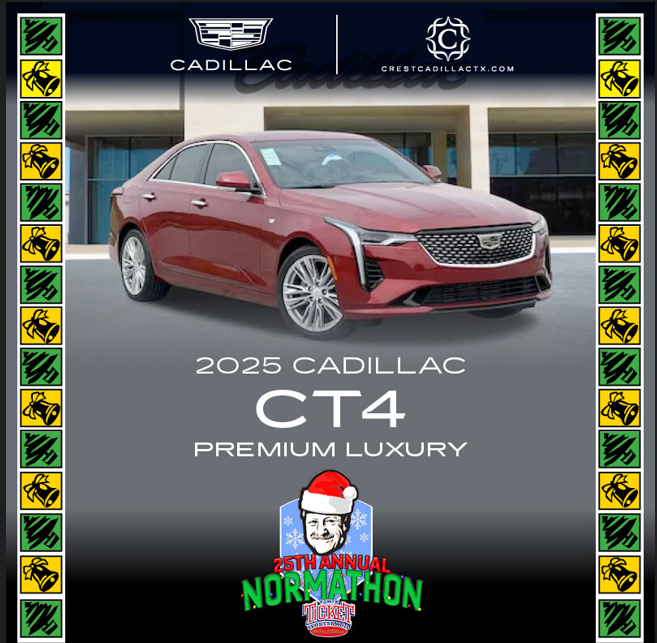
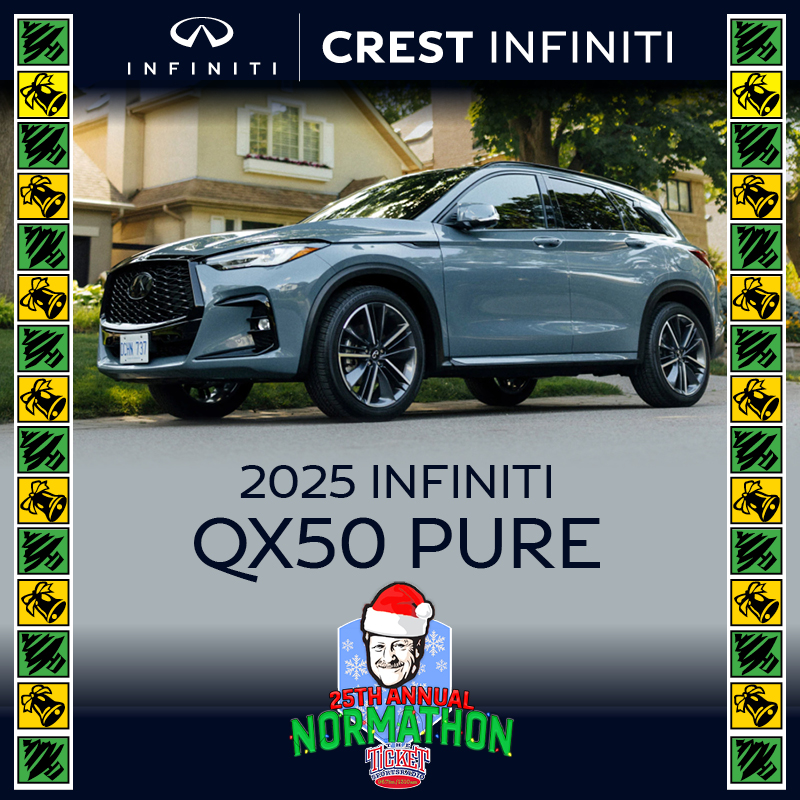
The first winning person will choose which of the three vehicles he or she prefers. The second winner gets the choice of the two remaining vehicles. The third winner will receive the remaining vehicle.
12 DAYS OF NORMATHON
Twelve Days of NORMATHON runs December 8-24 and features a fabulous auction item for bid each day of The Invasion (10am-noon, weekdays on 96.7FM, 1310AM and via the Sportsday App). Place your bid by calling the station during the daily broadcast.
Check out items for bid here!
BROADCAST DAY
On Normathon Day – Friday, December 26th
Fabulous auction items will be offered for bid from 6:00 am until 6:15 pm right here.
Our Sponsors
CrestCARS.COM
Sportsradio 96.7 and 1310 The Ticket
Instructions & FAQs - Broadcast Day Auction
Register to Bid
- If you have purchased a car raffle ticket you are already pre-registered to bid.
- Go to austinstreet.muradbid.com and click Login/Register on the navigation bar.
- Or Text 'austinstreet' to 855-800-4975 and click the link to register
- Fill out the form, add your credit card then click on submit.
- You will receive a welcome text from 1-844-990-4991, bidding opens 12/26 at 6:00 am.
How To Bid
- Go to austinstreet.muradbid.com into your browser’s address bar.
- Click Login.
- Enter your mobile phone number or email address and tap GO.
- Confirm you are the name listed then hit "Continue".
- You will receive a verification code from 855-800-4975
- Once completely logged in, you can search by item #, keyword, or by category.
- To place a bid tap on the blue "Bid/Info" button. There you can place a fast bid, bid or set a max bid, and read details about items.
- Tap on MENU > MY ITEMS to view your activity throughout the event.
Checkout From Your Phone
- You can securely checkout from your phone with a credit card.
- Once you have a checkout available, a red "Cart!" button will appear at the top of your bidding screen.
- Tap on this button to proceed to checkout.
FAQs
- How do I remove a bid? Right after you place a bid, you have the option to "undo" on the confirmation banner at the top of the screen. Once this banner goes away, you can contact evan.white@austinstreet.org.
- I already selected "no" or replied "STOP" to the SMS text message alerts, not realizing that I wouldn't receive outbid notices. Can I fix it? Yes! Text "START" to 855-800-4975 to begin receiving these once again.
- How do I place a Max Bid? To place a "max bid", tap on Bid/Info > BID/SET MAX > select the amount you are willing to spend on the item > SET MAX. The system will bid up to that amount for you automatically. You will be notified via text message if you are outbid on this item.
- Did I win? Once the auction has closed, you can look under MENU/MY ITEMS to view everything that you have won/purchased.